1. Open the report
Extract the ZIP to a permanent folder. In Allplan, open Reinforcement Reports and choose the RDLC file.
Built on 40 years of hands-on industry experienceField installation · Detailing · Estimating
Choose the full-size sheet with native ISO bend dimensions or the compact list. Add your project number and logo, then place your report using Allplan’s own Reinforcement Reports workflow.
Built on 40 years of combined experience across field installation, detailing and estimating.
Standard and Compact placed in Allplan: ALLPLAN 2026-0-4 on Windows. The November 9 checks verified ISO dimensions and individual weights, plus three fixed straight bars together with eight variable bent-bar items in both layouts. The installed test host reports executable build 16.1606.8447.474. The exact executable build was recorded separately from the live report check. Other versions and builds have not been qualified. ALLPLAN with Reinforcement Reports is required and sold separately.
Read the instructions before purchase. No account is needed to view them.
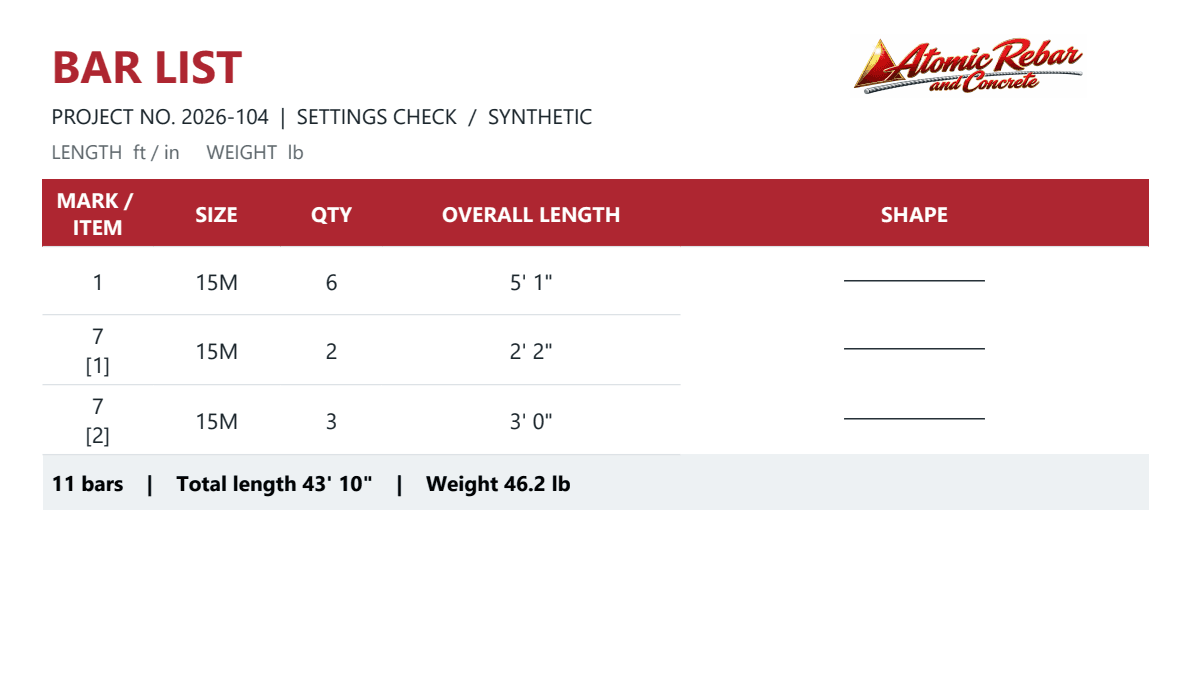
The standard sheet includes native ISO dimensions a, b, c, d, e/R, h, ha and he, shapes, lengths and weights. The compact version keeps the essential mark, size, quantity, cut length and small shape in a smaller landscape list.
A drawing snapshot. Export creates separate, editable 2D text and lines with bitmap shape graphics. It is not associative: regenerate after bars change. Source reinforcement keeps its native object types, parametric controls and associations.
Extract the ZIP to a permanent folder. In Allplan, open Reinforcement Reports and choose the RDLC file.
Use Allplan’s native selection, then set the project number, output units, optional release filter and logo in Report Viewer.
Choose Export → Allplan, click an insertion point in clear space and save. Inspect all panels before use.
Choose separate straight and bent cut increments in inches or millimetres, with nearest (ties up), up, or no additional rounding. Defaults are one inch for straight cuts and half an inch for bent cuts. Lengths and catalogue-based weights follow each rounded cut. Standard ISO dimension display is separate; text embedded in native sketch images follows Allplan Schema settings. Source bars, shared settings and the length calculation method stay unchanged.
Enter the full local path to your PNG logo, or leave it blank for Atomic branding. Keep the image available when generating the report and check it before placement.
Custom sheet development is an additional C$299 one-time charge for an agreed scope, separate from the standard report purchase. We can tailor bend-dimension letters and leg assignments for specific shapes, matching diagram labels, layout, fonts and branding. Send a sample sheet so we can confirm the available Allplan data and scope before you order.
Discuss a custom reportRebar Bar List will be included at no additional charge with the Column Detailer and Atomic Bar Inspector package—a C$299 standalone value. That package is not available for purchase here yet.